
Choosing a web host is not about “the cheapest plan”. It’s about uptime, speed, support, and how quickly you can recover when something breaks. If your website is your business, your portfolio, or your brand, hosting is infrastructure, not decoration.
🧠 What you actually need from web hosting
A good hosting setup is boring in the best way: it works quietly, consistently, and predictably. For most sites, the essentials are simple: fast servers, solid uptime, backups, security basics, and responsive support. If one of these fails, your site becomes fragile.
If your hosting support takes days to answer, you are effectively self hosting, but paying for it.
🏆 Website Hosting Options (2026)
Shared hosting
Best for small websites and simple portfolios. It’s affordable, but performance can vary depending on “neighbors” on the same server. Good for beginners, not ideal for high traffic or demanding sites.
Managed WordPress hosting
Best for WordPress sites that need better performance and less maintenance. Typically includes caching, security hardening, and smoother updates. Costs more, but saves time.
VPS or cloud server
Best for technical users or growing projects. You get more control and predictable resources, but you also take on more responsibility.
🌍 PlanetHoster overview
PlanetHoster is often chosen for its balance between performance, features, and support. It can be a solid option if you want reliable hosting without managing a complex server stack yourself.
The best host is not the one with the most features. It’s the one that keeps your site stable, fast, and recoverable when things go wrong.
⚖️ Quick comparison checklist
| Criterion | What “good” looks like | Why it matters |
|---|---|---|
| Performance | Fast TTFB, stable load times | Speed impacts SEO, UX, and conversions |
| Uptime | Consistent availability | Downtime kills trust and revenue |
| Backups | Automated, easy restore, clear retention | Recovery is everything when incidents happen |
| Support | Fast replies, helpful troubleshooting | You need humans when systems fail |
| Security basics | SSL, isolation, basic protections | Reduces risk and saves time |
⚙️ Practical hosting setup tips
Keep it simple and effective. Use HTTPS everywhere, enable caching, and monitor uptime. If your site is critical, separate your email from your web hosting and keep independent backups.
Hosting backups are useful, but do not rely on them alone. Keep an independent backup strategy, especially for business critical sites.
❓ FAQ
What hosting is best for a WordPress site?
For most WordPress sites, managed WordPress hosting offers the best balance between performance and simplicity. Advanced users may prefer a VPS for full control.
Is shared hosting enough?
For small sites, yes. For growing traffic, stores, or performance sensitive projects, shared hosting often becomes limiting.
Do I still need a backup plugin if my host provides backups?
Usually, yes. Host backups can be slow to restore or limited in retention. Independent backups give you control and faster recovery.
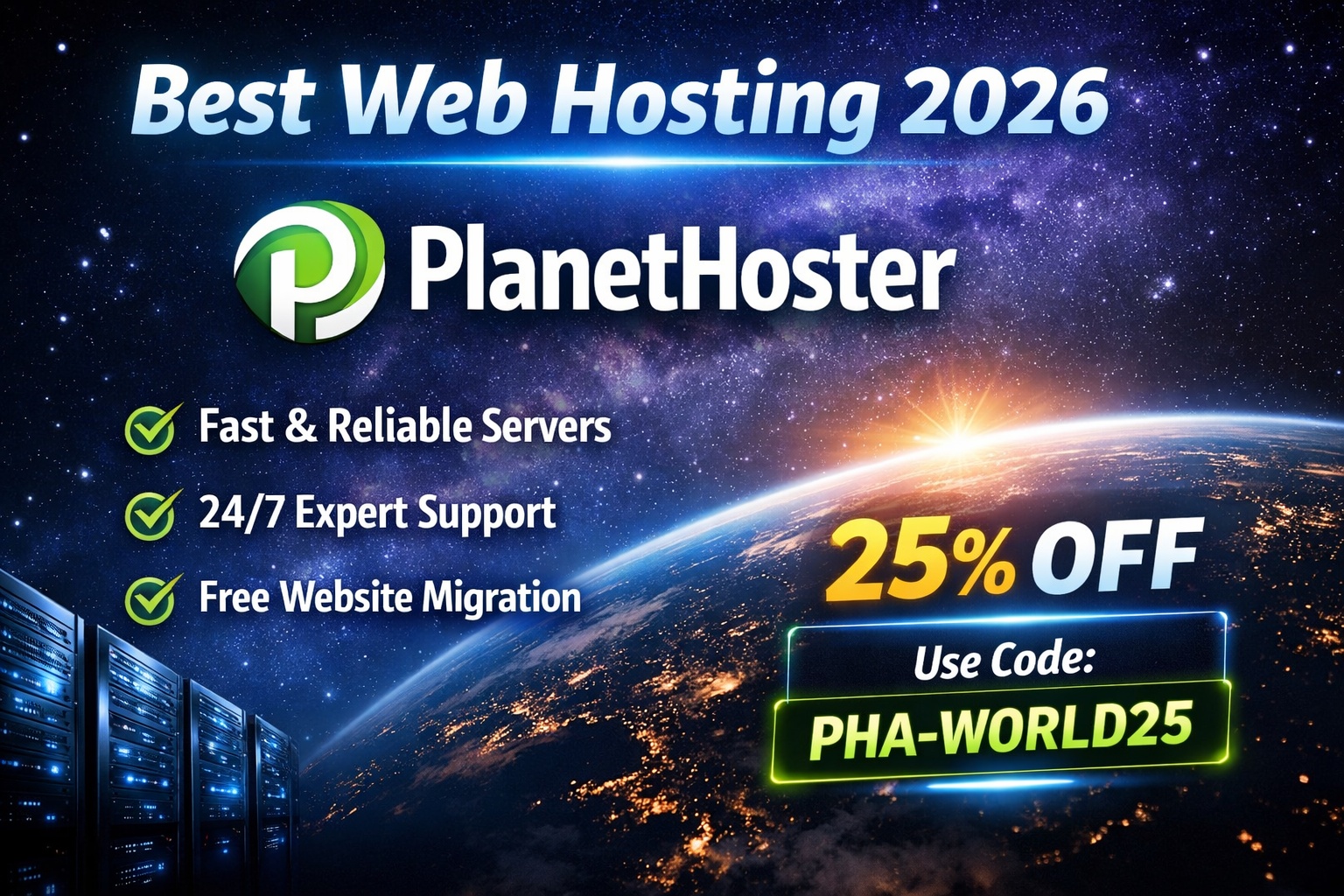
💸 PlanetHoster discount code (2026)
Code: PHA-WORLD25
Use this code at checkout to get your discount.
Tip: save this page so you can find the code again when you renew or upgrade.
🧭 Final verdict
Good hosting is invisible. Bad hosting is a constant emergency. If you want fewer surprises, better performance, and reliable support, choosing a host like PlanetHoster can be a practical move. Combine solid hosting with independent backups and basic monitoring, and your website stops being fragile.
🚀 Strategic insight
People search for “best hosting”, but they choose based on trust, clarity, and a smooth onboarding experience. A good explanation plus a small advantage like a discount is often what triggers the decision.